

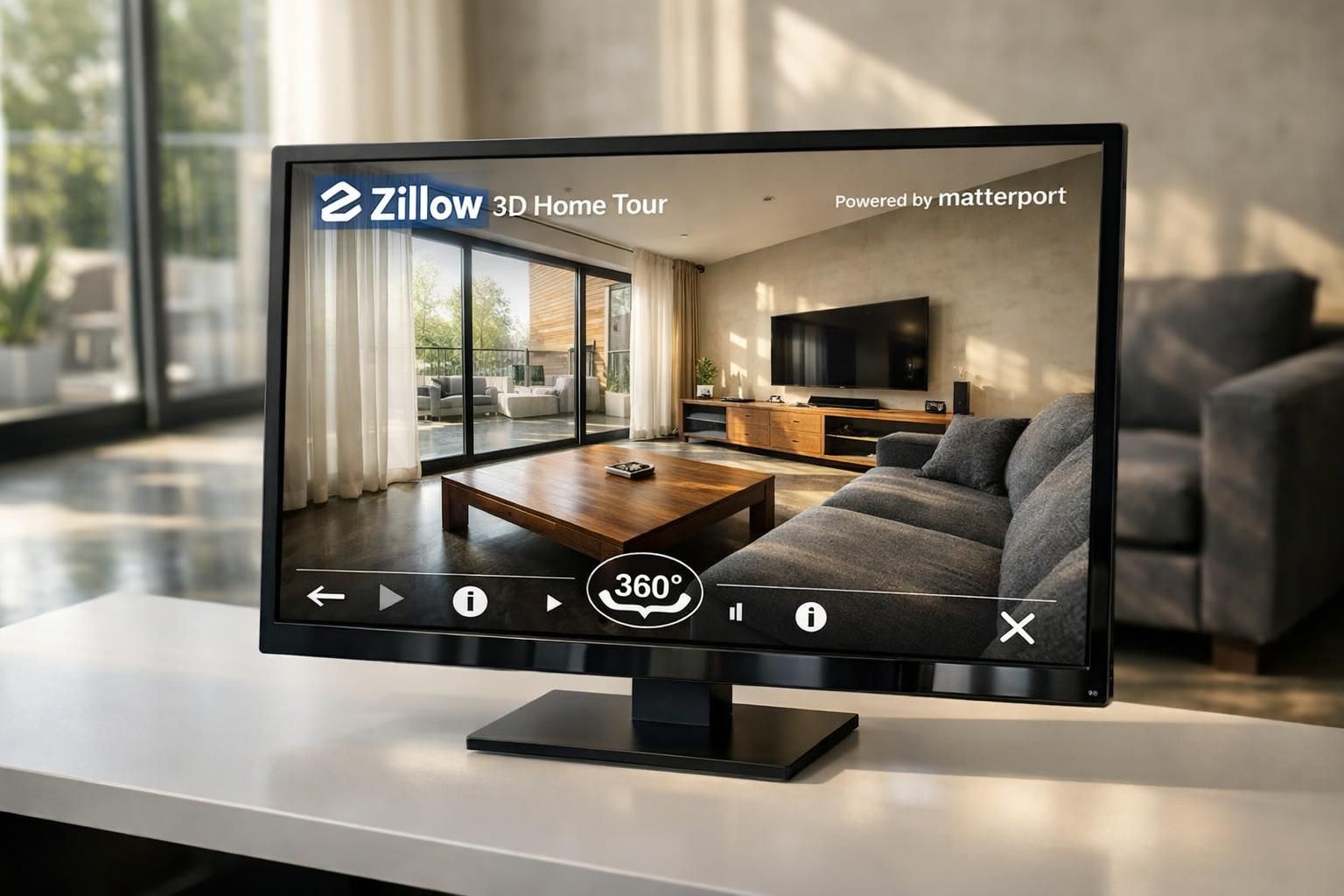
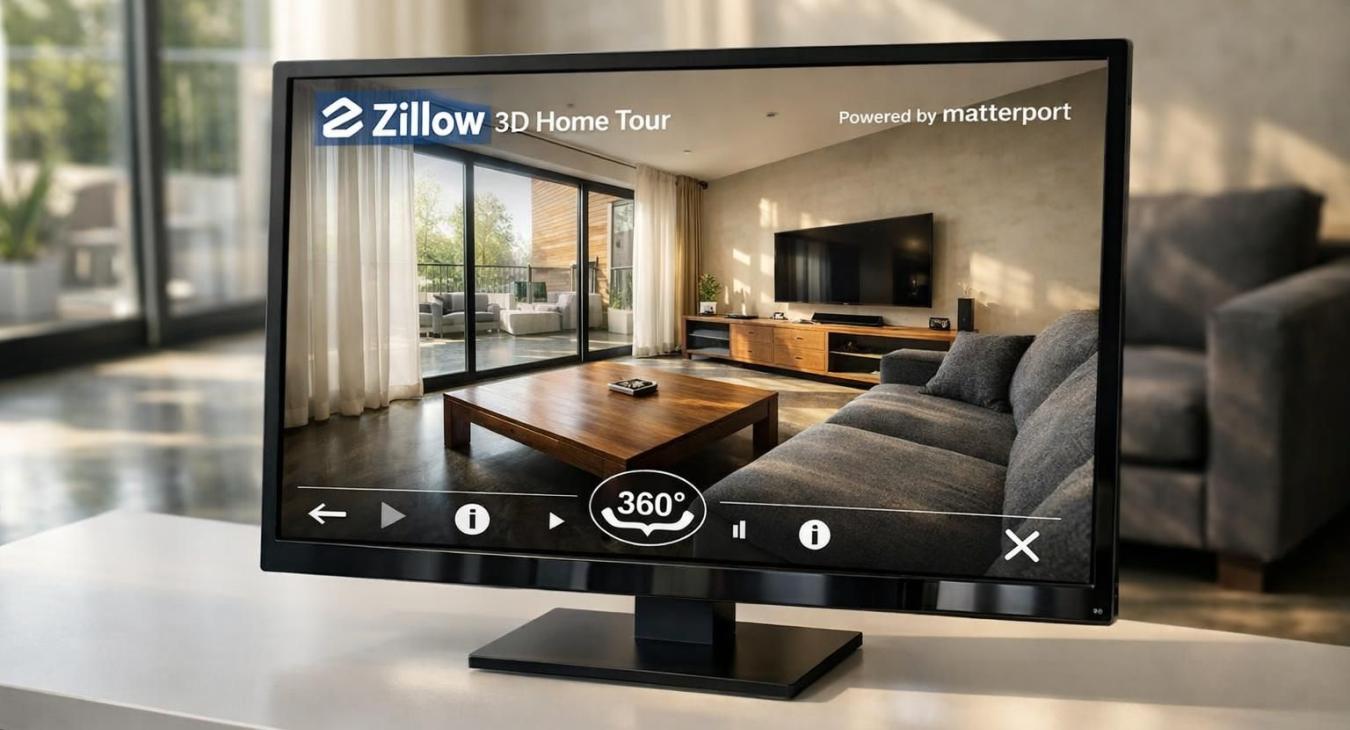
Find the top picks in our best 3D tour software for real estate review and learn how to attract more buyers with effective virtual tours.
Table of Contents
- Key Features to Look for in 3D Tour Software
- Best Overall: Matterport
- Best for Budget: Panoee
- Best for Advanced Features: 3DVista Virtual Tour Suite
- Best for Zillow Integration: Zillow 3D Home Tour
- Best for Customization: Kuula
- How to Choose the Right 3D Tour Software for Your Real Estate Needs
- Additional Resources on 3D Tour Software for Real Estate
- Conclusion
- FAQs
Best 3D Tour Software for Real Estate 2026

Many real estate agents miss out on new clients by using old marketing tools. Virtual tours are not just a trend. According to the National Association of REALTORS, homes with virtual tours sell faster and for more money. 1 The best 3D tour software for real estate review will help you stand out in this competitive market. If you want to reach buyers online, knowing which digital twin and cloud-based platform works best is key.
You deserve expert advice that covers integration with top platforms like Zillow 3D Home Tour or Matterport. With years spent testing leading virtual tour software and working alongside professional photographers, I understand what makes real estate technology work hard for you.
Read on to discover practical tips that can boost your listings today. 3
Key Takeaways
- Virtual tours help homes sell faster and for more money, according to the National Association of REALTORS. Most buyers now expect online walkthroughs before making contact.
- Matterport leads in features but can cost up to $296 per month. Panoee offers a free plan with unlimited projects and paid plans from $7 to $22 monthly, which is good for agents on a budget.
- Zillow 3D Home Tour is always free if you list properties directly on Zillow.com, helping new agents gain exposure without extra costs.
- Leading platforms support popular 360 cameras like Ricoh Theta and Insta360. Over three-fourths of buyers search listings on mobile devices, so phone compatibility matters.
- Choose software that integrates well with top real estate platforms (like MLS or IDX). Strong branding tools and easy customization boost lead generation across social media and listing sites.
Key Features to Look for in 3D Tour Software

Choosing the right virtual tour software can help you stand out in real estate marketing. Top platforms like Matterport, Kuula, and 3DVista offer tools for interactive walkthroughs and digital twins that boost your listings’ reach.
Ease of use and interface
A user-friendly interface can boost operational efficiency for real estate agents and investors. About 94% of first impressions are tied to design, making an appealing UI vital in virtual tour software. 1 Modern platforms like Matterport and Kuula deliver clean layouts with simple drag-and-drop tools that let you create interactive virtual tours without tech skills. Intuitive navigation helps users filter properties by price, location, or floor plans with just a few taps.
Mobile responsiveness is another must-have feature since most real estate professionals and buyers use smartphones or tablets on the go. Clear call-to-action buttons guide visitors through detailed property information and panoramic photos, keeping prospects engaged.
High-quality images, 360° views, and features like virtual staging make home exploration more immersive for everyone involved.
Smart developers integrate regular feedback from agents into updates to ensure the platform stays easy to use as needs evolve. User interface choices impact not only how much time you spend creating listings but also whether clients return for future virtual walkthroughs or share your best listings on social media sites like LinkedIn and Twitter.
An intuitive design supports better lead generation by making it simple for users to contact your team directly from each listing page.
Integration with real estate platforms
Seamless integration with real estate platforms changes how quickly you can market listings and capture leads. Choose virtual tour software that works well with tools like CRMs, IDX, and MLS platforms.
Matterport connects directly to Procore and Autodesk for construction firms while also pushing interactive virtual tours to main listing sites. This streamlines your workflow and helps centralize listing management.
Zillow 3D Home lets Zillow agents create free 360-degree virtual tours on their property pages, increasing exposure. CloudPano offers white-label solutions so you can host MLS-compliant tours using your own branding.
Adding Showcase IDX turns websites into powerful search engines with mapped searches and lead generation tools built in. Contactually CRM syncs communication across platforms to make sure no lead slips through the cracks.
You improve client experiences by offering floor plans, dollhouse view modes, or Google Street View links within your landing pages or digital marketing campaigns. Wise Agent automates follow-ups via social media integration and drip email campaigns for better engagement rates.
Centralized dashboards let you track metrics such as key performance indicators all from one place, saving time during busy selling seasons.
Customization and branding options
CloudPano gives you the power to fully brand your virtual tour software. Use white-label features to showcase your agency’s logo and colors on every virtual walkthrough. Kuula lets you upload panoramic photos, add custom sharing links, and highlight your unique branding across all interactive virtual tours.
BoxBrownie helps real estate agents personalize listings with advanced image enhancement and digital staging tools. Panoee allows direct publishing of tours on your own domain, keeping your experience tailored for clients.
Structured delivery tools from IMAGECLOUD put client brands front and center in all marketing materials. RealScout offers customizable lead portals that boost brand recognition while capturing leads through branded experiences.
You can even control details like narration, background music, floor plans, or branded hotspots to match each property’s character with agency identity inside these platforms.
Compatibility with 360 cameras and devices
Make sure your virtual tour software supports popular 360 cameras like Ricoh Theta and Insta360. These models offer automatic image stitching to help you create fast, seamless virtual tours.
Zillow 3D Home works with most 360-degree cameras, making property capture flexible for real estate marketing.
Many platforms, such as BoxBrownie and Panoee, handle ultra-high-resolution panoramas up to 32K or allow editing of imported files from standard fisheye lenses. For sharper images, use mirrorless or DSLR devices with your chosen platform if supported.
Test on mobile apps before launch since over three-quarters of real estate buyers search listings on smartphones and tablets. This ensures that your interactive virtual tours display correctly across all user devices including VR headsets and web browsers like Google Cardboard or iPad Safari for greater reach in digital marketing campaigns. 2
Pricing and subscription plans
Matterport offers a range of pricing for its real estate virtual tour software. You can try a basic free plan, but the most advanced features reach up to $296 per month. This tier gives you options like interactive floor plans, custom branding, cloud hosting, and access to AI-generated walkthroughs.
CloudPano also provides a flexible offer; start with its free version or upgrade to paid plans that go as high as $125 monthly. 3
If you want full control over costs, Panoee stands out for budget-conscious real estate agents and investors. The free plan includes unlimited projects plus 3 GB storage. Paid subscriptions begin at just $7 per month and top off at $22 monthly for greater storage and features like video chat integration or image hosting upgrades.
Some tools are purpose-built for specific platforms in real estate marketing. Zillow 3D Home is always free if you list properties directly on Zillow.com; this helps boost lead generation without extra expense.
Ricoh 360 Tours starts from $36 per month; it brings AI-powered image enhancement straight into your workflow. If your team needs more robust solutions like professional-level photo stitching or advanced analytics, IMAGECLOUD costs $10 each month for freelancers or up to $25 per month for larger teams.
My practical experience with both Matterport and Panoee shows how easy it is to scale services up or down depending on business volume or client demand. Most virtual tour software companies now let you pay by subscription instead of long-term contracts; this feature cuts risk while providing ongoing updates in virtual reality technology, augmented reality experiences, and browser-based usability essential for staying ahead in today’s property market competition.
Back to topBest Overall: Matterport

Matterport stands out in real estate virtual tour software with its immersive dollhouse view and seamless integration options. You can boost your listings' impact using 3D walkthroughs, floor plans, and virtual staging tools compatible with GoPro Max and Oculus headsets.
Features & Benefits of Matterport
You get immersive virtual walkthroughs using digital twins, making your property listings more dynamic and engaging. The software supports first-person mode, dollhouse view, and 2D navigation.
This lets potential buyers explore properties in detail online. You can even add custom branding for a polished look that boosts real estate marketing efforts.
Matterport links with top industry platforms like Procore and Autodesk to smooth design and construction tasks. 4 Real-time data gives you tools to manage corporate portfolios or facility performance remotely.
Fast file conversion speeds up insurance claims through the Sketch File feature. Support for floor plans, integration with CRM systems, Google Street View publishing, plus easy use on iPhones or GoPro Max cameras makes it highly user-friendly for every real estate professional aiming to increase lead generation and sales efficiency.
Pros & Cons of Matterport
Matterport continues to lead the 3D tour software market for real estate professionals and investors. Its advanced features, industry reach, and integration capabilities make it a top choice. Here’s a clear breakdown of the key pros and cons to help guide your decision:
| Pros | Cons |
|---|---|
|
|
Best for Budget: Panoee

If you want a budget-friendly virtual tour software, Panoee stands out with its solid feature set. Real estate agents use Panoee to create interactive panoramas that support custom branding and link directly to property listings on major platforms.
Features & Benefits of Panoee
Get started with Panoee for free and create unlimited virtual tours using up to 3 GB of storage. 5 Manage many real estate projects at no cost, making it a smart choice for budget-conscious agents.
The software handles ultra-high-resolution panoramas, supporting images as large as 32K. 5 This means you can showcase property details clearly, even on the largest screens or VR headsets.
Use Panorama Image Optimization and the built-in 360 Image Viewer to present smooth, user-friendly virtual walkthroughs that impress clients. The Floorplan Styler lets you map out rooms within your tours, helping buyers understand layouts quickly.
Set up interactive hotspots anywhere in a property; these let visitors play video clips, view PDFs, or browse eCommerce links during their tour. Multi-resolution rendering keeps load times fast even when working with high-res images.
Publish finished tours right to Google Street View or host them under your own domain for wider reach and greater control over branding. You also get peace of mind with a 30-day refund policy on paid plans if goals change after upgrading from the free plan.
From my experience testing different platforms like Kuula and Zillow 3D Home Tour, Panoee’s web-based interface stands out for its simplicity while still covering critical features real estate professionals need today.
Pros & Cons of Panoee
Panoee stands out as a practical 3D tour software solution, especially for real estate professionals who prioritize value, accessibility, and security. Consider the following strengths and limitations as you evaluate Panoee for virtual property showings:
| Pros of Panoee | Cons of Panoee |
|---|---|
|
|
Best for Advanced Features: 3DVista Virtual Tour Suite

If you want powerful virtual tour tools, 3DVista Virtual Tour Suite stands out for its advanced multimedia and interactive features. You can create engaging walkthroughs with CAD integration, panoramic videos, and custom branding options that elevate your real estate marketing.
Features & Benefits of 3DVista
Advanced customization tools in 3DVista let you create interactive virtual tours with floor plans, multimedia embedding, and custom branding. You can showcase real estate using panoromic videos and add engaging hotspots for smooth navigation.
The platform supports integration with 360 cameras and VR headsets, making your tours ready for cutting-edge hardware like the latest virtual reality devices.
Real-time analytics show which parts of each property attract attention. This data-driven approach helps improve your marketing tool strategy and lead generation efforts. Conduct remote live-guided tours to interact directly with clients or investors anywhere on the internet.
Seamlessly edit images to enhance quality and make every property look its best. Compatibility with third-party listing platforms increases reach across channels such as Zillow 3D Home Tour or Google Street View.
Complex projects become manageable using server-based scalability while maintaining strong user-friendliness and drag-and-drop editing capability.
Pros & Cons of 3DVista
Real estate professionals and investors benefit from knowing the strengths and weaknesses of 3DVista Virtual Tour Suite before choosing a 3D tour solution. Use the table below to quickly compare its main advantages and limitations for virtual tours in the property sector.
| Pros | Cons |
|---|---|
|
|
Best for Zillow Integration: Zillow 3D Home Tour

Zillow 3D Home Tour lets you create interactive virtual tours that sync directly with Zillow listings, streamlining real estate marketing for agents and investors. This tool supports floor plans and offers strong integration with the Zillow platform, making your property stand out to potential buyers searching for homes online.
Features & Benefits of Zillow 3D Home Tour
You gain free access to Zillow 3D Home Tour as a listing agent, which cuts down your marketing costs. The tool supports high-quality virtual tours with full 360-degree camera capture, giving buyers an immersive experience from anywhere.
You use a simple interface designed for fast tour creation and upload. Integration with the Zillow platform instantly boosts your property’s visibility and search ranking among active homebuyers.
The software lets you post MLS-compliant interactive virtual tours, helping you stand out in crowded markets. Agents can offer virtual walkthroughs available online 24/7, meeting buyer demand around the clock without hosting extra showings.
Seamless compatibility with common cameras such as Ricoh Theta ensures user-friendly operation for most agents. This software empowers real estate professionals like you to attract leads efficiently and showcase homes at their best on one of real estate’s largest websites.
Pros & Cons of Zillow 3D Home Tour
Zillow 3D Home Tour gives your listings a free boost in search ranking if you use Zillow as an agent. The platform is user friendly, making it easy to add virtual walkthroughs into your daily workflow. MLS compliance means most real estate agents find wide compatibility with their existing tools and floor plans. Fast adoption lets you market homes sooner without wasting time on training or setup.
Functionality stays limited within the Zillow ecosystem, which means you cannot post these tours widely across other virtual tour software platforms like Pano2VR or Concept3D. Custom branding options stay basic compared to more advanced real estate virtual tour software such as Matterport or Kuula. You do need compatible 360 cameras for full features; this can limit flexibility if your current equipment does not match requirements. Tours made here do not support much branding outside of the main Zillow website, which may reduce visibility for personal logos and marketing tool integration beyond what Zillow allows.
Back to topBest for Customization: Kuula
Kuula gives you powerful tools for custom branding and interactive virtual walkthroughs. Explore how this platform supports real estate agents with unique features to help your listings stand out.
Features & Benefits of Kuula
Upload panoramic photos fast and start building interactive virtual tours in minutes. Customize every tour with your branding, using colors, logos, and call-to-action buttons to match your agency's style.
Use interactive hotspots to add floor plans, property details, or lead generation tools right within each scene. Guided and self-guided viewing options allow potential buyers to explore at their own pace or follow a preset route.
Reach more clients through mobile-friendly playback that works on all major devices. Share completed real estate virtual tours easily on social media or include them in email marketing campaigns for wider exposure.
Track performance using the analytics dashboard; monitor key metrics like views and engagement to optimize your marketing tool strategy. Add narration, background music, and creative touches for an immersive experience that stands out from other real estate agents’ listings.
Enjoy seamless compatibility with various 360 cameras and quick integration with Google Street View for increased visibility online.
Pros & Cons of Kuula
Kuula gives you strong custom branding and flexible options for real estate virtual tours. You can add your logo, choose colors, and control the look of each tour with easy drag and drop tools. The platform supports different formats like guided or self-guided visits, narration, music features, and works well on both mobile devices and computers. Sharing is simple across social media channels such as Facebook or Instagram, which helps boost your real estate marketing reach fast. Built-in analytics let you track key performance indicators so you can adjust your strategy for better lead generation.
Advanced features may need a paid subscription to unlock full potential. Customization tools are helpful but might slow down setup time if you want every detail perfect in each virtual walkthrough. Kuula does not offer direct integration with top listing portals such as Zillow 3D Home Tour or automatic uploads to Amazon.com listings. AI-driven capabilities remain limited compared to platforms like Matterport or Concept3D that offer advanced floor plans or enhanced augmented reality (AR) support for interactive virtual tours using VR headsets.
Back to topHow to Choose the Right 3D Tour Software for Your Real Estate Needs
Choosing the best virtual tour software for real estate can boost your sales process and marketing reach. Practical features and smart workflows help you serve both buyers and sellers effectively.
- Define your main use cases. Consider if you need advanced lead generation tools, virtual staging, or simple floor plans for standard listings.
- Focus on ease of use. Pick virtual tours that let real estate agents capture and upload spaces quickly using mobile devices or 360 cameras.
- Check platform integration. Make sure the software works with real estate platforms like Zillow 3D Home Tour, Google Street View, or MLS feeds for seamless listing updates. 3
- Review customization options. Custom branding matters in today’s competitive market; look for tools offering logos, color themes, and property-specific details.
- Evaluate technology features. AI-enhanced tours, dollhouse view modes, interactive walkthroughs, and social media integration will offer a modern experience to clients.
- Investigate device compatibility. Confirm support for major 360-degree cameras such as Ricoh Theta or Insta360 and check if it works well with virtual reality headsets.
- Analyze pricing models closely. Subscription fees vary; some providers offer free plans like Panoee while others such as Matterport or concept3d charge per project or month. 6
- Investigate customer support standards. Seek out user reviews about help desk response times and training materials before committing long-term.
- Study client feedback and key performance indicators (KPIs). Check ratings from other real estate professionals—reliable servers and fast performance are top priorities in busy markets like New York City or Los Angeles.
- Compare scalability options for teams or brokerages. Large offices may require bulk licenses, Google Ads analytics integration, granular permissions controls, and cookie compliance settings to scale effectively.
My first-hand experience helping agents onboard tools like Matterport showed smoother sales cycles when platforms offered rich media features alongside reliable cloud performance. Solid platform choices set up your team for greater success in digital-first real estate marketing.
Back to topAdditional Resources on 3D Tour Software for Real Estate
Explore several trusted resources to boost your real estate virtual tours. The National Association of REALTORS tracks data on the impact of virtual walkthroughs, 3D staging tools, and online marketing for agents.
Their reports show consistent growth in demand for interactive property views since 2022. Use their findings to fine-tune your strategies with advanced software like Matterport or Kuula.
Leverage professional education platforms such as Agent Campus by 360training if you want to stay ahead with the latest tech trends in real estate. Agent Campus offers pre-license classes and continuing education, including Mississippi CE at $49.99, Alabama’s 15-Hour CE at $89.99, and California's complete package at $159.99.
Knowledge Academy provides free learning resources plus special discounts through Knowledge Pass prepaid vouchers valid for a year.
For sharper listing images that match your virtual tour quality, IMAGTOR delivers expert photo enhancement services backed by a perfect rating from recent client votes and starts new users off with a free trial.
Study guides about budget editing programs can help you pick affordable solutions for image correction before uploading visuals into Pano2VR or concept3d-powered tours. Test lighting kits recommended by industry leaders; these can make on-site shoots more effective and bring out details needed to convert leads on social media channels connected through most real estate virtual tour software platforms today.
Back to topConclusion
Choosing the best virtual tour software helps you stand out in real estate marketing. Tools like Matterport, Kuula, and Zillow 3D Home give you options for every budget and need. Your clients will enjoy interactive walkthroughs that boost their interest and confidence.
Pick a platform that matches your workflow and supports strong branding on listings and social media. With the right solution, you make property viewing easier for buyers and speed up sales for everyone involved.
Back to topFAQs
1. What features should real estate agents look for in the best virtual tour software for 2026?
Agents need interactive virtual tours, floor plans, and custom branding. Look for social media integration and lead generation tools as well. Strong real estate marketing depends on these functions.
2. How does virtual staging improve property presentations with 3D tour software?
Virtual staging lets you add furniture or decor to spaces digitally. This makes listings more attractive during virtual walkthroughs and boosts buyer interest.
3. Which platforms offer dollhouse view and Google Street View integration?
Pano2VR includes both dollhouse view and Google Street View support; this helps buyers explore properties in detail from any angle or location.
4. Why is Zillow 3D Home popular among real estate professionals?
Zillow 3D Home offers easy-to-use real estate virtual tour software with floor plan creation, strong lead generation tools, and seamless sharing across major listing sites.
5. Can concept3d enhance your marketing toolset for real estate listings?
Concept3d provides advanced options such as interactive tours, custom branding, cookies tracking, and analytics; these tools help agents reach more clients while measuring engagement precisely.
References
- ^ https://www.researchgate.net/publication/386440576_THE_IMPORTANCE_OF_USER_INTERFACE_DESIGN_IN_REAL_ESTATE_PLATFORMS
- ^ https://www.mdpi.com/2075-4698/15/4/74
- ^ https://www.housingwire.com/articles/virtual-tour-software/ (2025-11-12)
- ^ https://matterport.com/?srsltid=AfmBOopmjV1SBlhrdQ72BC8dX54VSM-QnFYNDUpVFm1isLOligNkXhi3
- ^ https://panoee.com/
- ^ https://matterport.com/blog/best-virtual-tour-software-for-real-estate?srsltid=AfmBOop5_XXh1Wiv-isplMaIotOiORF8354VVFFpnI-l_2BbhDhYEfyI